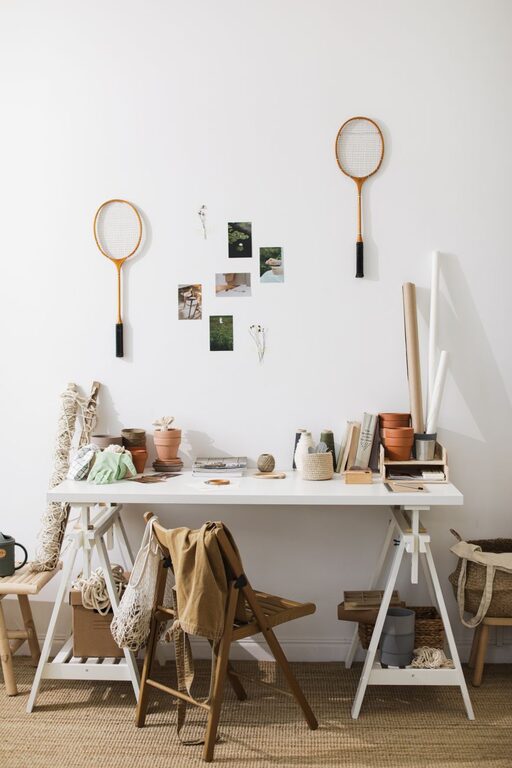
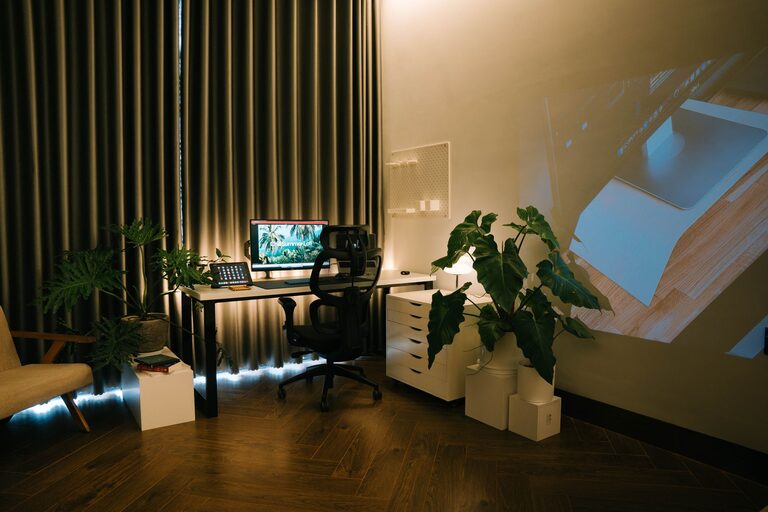
Creating a relaxing home workspace is essential for anyone who spends a significant amount of time working from home. A well-designed area not only helps improve focus but also reduces stress and increases overall well-being. Whether you’re a remote worker, freelancer, or student, setting up a space that feels calm and inviting can transform your daily routine.
In this post, we’ll explore practical steps you can take to create a relaxing home workspace that balances comfort and productivity.
Why a Relaxing Workspace Matters
Working in a cluttered or uncomfortable space can lead to distractions, fatigue, and even burnout. A relaxing environment helps clear your mind, making it easier to concentrate on tasks. When your workspace promotes serenity, it becomes easier to separate work from personal life—especially important when both happen in the same place.
Step 1: Choose the Right Location
Pick a Quiet Spot
Select a space with minimal noise and interruptions. If possible, choose a room or corner away from busy household areas.
Maximize Natural Light
Natural light helps reduce eye strain and boosts mood. Position your desk near a window to take advantage of daylight.
Consider Privacy
If you share your living space, try to find a location where you won’t be easily disturbed.
Step 2: Invest in Comfortable Furniture
Ergonomic Chair
Choose a chair that supports your back and encourages good posture. Comfort is key to preventing pain during long work sessions.
Desk at Proper Height
Your desk should allow your arms to rest comfortably while typing. Adjustable desks are ideal for switching between sitting and standing.
Add Soft Textures
Consider a cushioned chair pad or a soft rug to add warmth and comfort to your space.
Step 3: Keep It Organized
Declutter Regularly
A tidy workspace minimizes distractions. Use storage solutions like drawers, shelves, and baskets to keep items neat.
Limit What's on the Desk
Keep only essential work materials on your desk. This helps maintain focus and creates a visually calm environment.
Cable Management
Use clips or cable organizers to prevent cords from tangling and cluttering your space.
Step 4: Personalize with Calming Elements
Use Soothing Colors
Colors like soft blues, greens, and neutrals can evoke calmness and help you feel relaxed.
Add Plants
Indoor plants improve air quality and add a touch of nature, which can be soothing and refreshing.
Incorporate Art or Photos
Choose images that make you feel happy or peaceful without overwhelming your senses.
Step 5: Control Lighting and Sound
Adjustable Lighting
Use lamps with adjustable brightness to reduce eye strain, especially if you work in the evening.
Minimize Glare
Position screens to avoid glare from windows or lights, and consider using screen protectors if needed.
Use Soft Background Noise
If silence feels distracting, try white noise machines, soft instrumental music, or nature sounds to create a gentle background.
Step 6: Set Boundaries and Routine
Define Work Hours
Having a clear start and end time helps your mind associate the workspace with work only.
Take Breaks
Step away regularly to stretch or relax; this prevents burnout and keeps your energy up.
Keep Non-Work Activities Separate
Avoid turning your workspace into a multi-purpose area to maintain its relaxing vibe.
Bonus Tips for Extra Comfort
– Temperature Control: Make sure your workspace is neither too hot nor cold.
– Essential Oils or Candles: Scents like lavender or eucalyptus can promote relaxation (if safe and allowed).
– Keep Hydrated: Have water nearby to stay refreshed throughout the day.
—
Creating a relaxing home workspace is about blending functionality with comfort. By thoughtfully arranging your space and including elements that soothe your senses, you can build an environment that supports your well-being and productivity. Start with small changes and adjust as you discover what works best for you. Your ideal workspace is within reach!